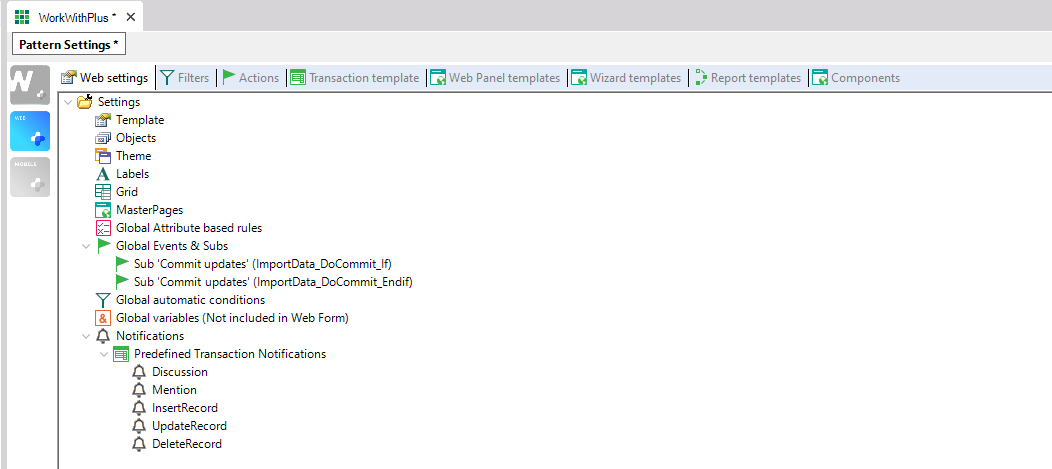
In the following picture you can visualize the WorkWithPlus for Web Configuration's structure:
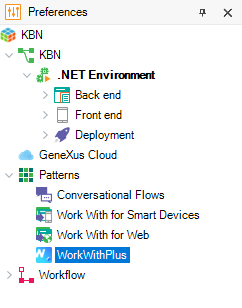
In order to access the configuration structure we should go to 'Preferences' > Patterns, as we can visualize below: