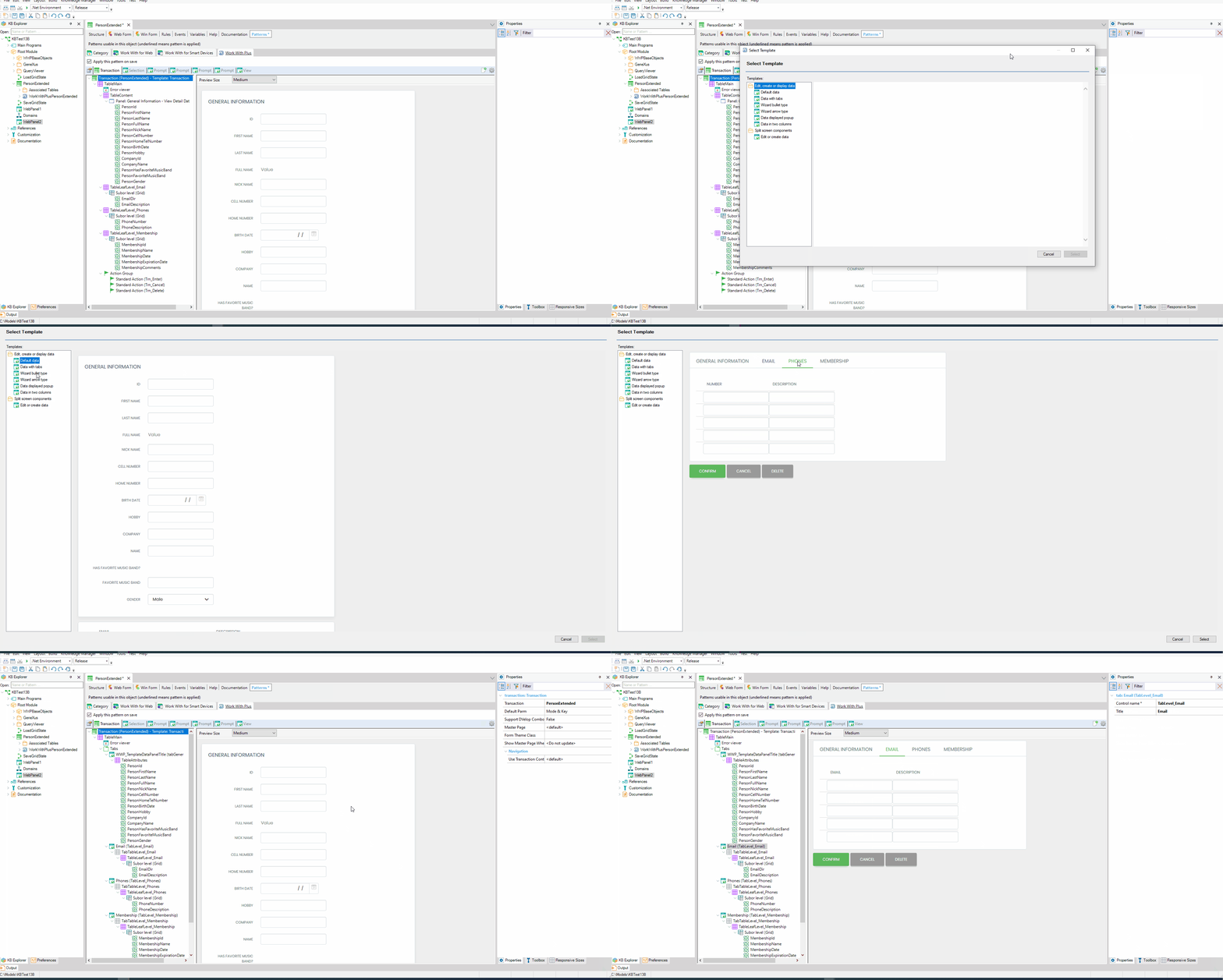
A new template was added, which allows you to create a Web Panel or transaction in which the Web Form will have one Tab for the plain information, and one Tab for each second level of the transaction or BC. After the instance is created, you will be able to modify as you need, creating more tabs, reordering it or removing some of them (in the same way as any other instance)
|